If Google Maps finds your hotel but cannot give you a walking route to it, try the same destination in Naver Map. Install it before the trip and save your accommodation so you can find the entrance after leaving the station.
On this page
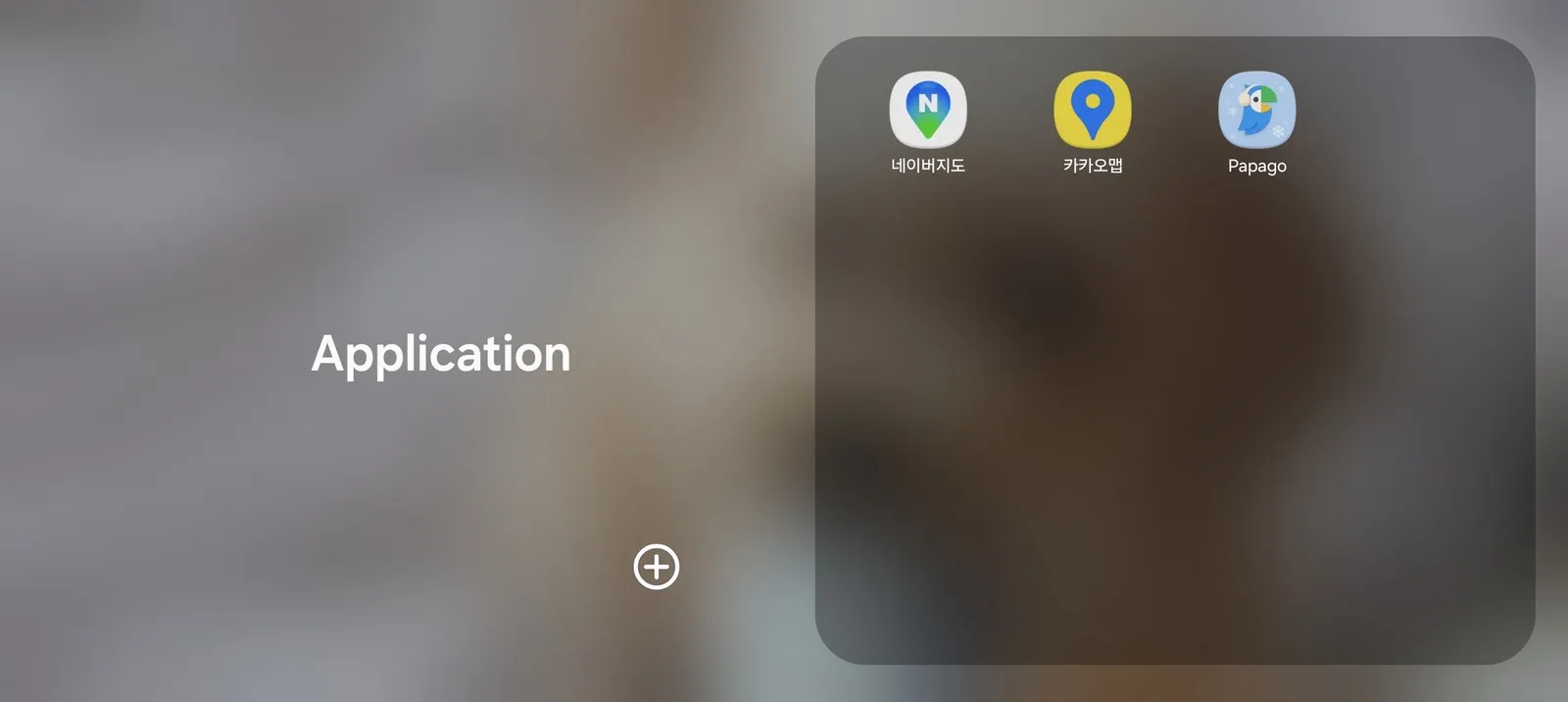
You can keep your saved places and reviews in Google Maps. Having a second map app gives you another way to get directions when the route you need is missing.
Why Korean directions have been limited
Access to detailed Korean mapping data has limited Google’s navigation services. In February 2026, the government approved Google’s map export application subject to security conditions, as described in the official policy announcement.
That decision is not a route you can follow on your phone. Test the journeys you need in the app, including the walk from the station to the building. Google Maps can still be useful for finding places and public transport routes even when walking or driving directions are unavailable.
Choosing a map app for the trip
Start with Naver Map for your hotel, walking routes and public transport journeys. Search for your accommodation at home and try planning the trip from the airport. This also gives you time to get used to the interface.
Kakao Map is another option if you prefer its layout or want to compare a search result. You do not need to maintain the same list of places in both apps. Choose one for daily navigation and keep the other available if it helps.
Keep Google Maps for lists you already use. When you want directions in Naver Map, copy the place name or address across. Match the branch and street before starting the route, particularly for hotels and chain shops.
Finding the right entrance
A Korean name or road address can help when an English search gives no result. Copy it from the property’s own website or your booking confirmation. If several results appear, compare the address rather than choosing the first name that matches.
For a subway journey, note the station exit as well as the station name. A map pin may be close to the station while the entrance you need is on another side of a large junction. Compare any directions from your hotel with the app’s route.
If you need a lift or want to avoid steps with luggage, plan the accessible entrance separately. The subway guide explains what to look for inside the station.
Download links
- Naver Map (iPhone · Android)
- Kakao Map (iPhone · Android)
- Papago, for translating signs and messages (iPhone · Android)
Save the hotel’s address somewhere you can open without a connection as well. For navigation while you are out, arrange your mobile data before you need it.